Performance, frame rate and settings
The two spec tiers, the frame-rate bug fixed in Patch 1.04, what to try if the game stutters, and the settings that change how the village looks.
Patch 1.04 fixed a progression block that only appeared above 60 FPS, so if you are on an older build and an event refuses to fire, cap the frame rate or update.
Village in the Shade is a modest 3D game: a 9 GB install, a GTX 750 Ti on the minimum side and a GTX 1650 on the recommended side. If it runs badly, the cause is usually a setting rather than the hardware.
What the two spec tiers mean
| Minimum | Recommended | |
|---|---|---|
| CPU | Intel Core i5-6400 | Intel Core i5-12500 |
| RAM | 8 GB | 16 GB |
| GPU | GeForce GTX 750 Ti | GeForce GTX 1650 |
The gap between those two GPUs is small, which tells you the game is not GPU-bound. On a machine near the minimum, the thing to watch is memory: 8 GB with a browser open is 8 GB minus whatever the browser took.
The frame-rate bug worth knowing
Patch 1.04 fixed a progression block that only appeared when the frame rate exceeded 60 FPS. If an event refuses to fire on an old build, capping the frame rate is a legitimate workaround — and updating is the real fix.
That bug is also a reminder: in this game, "the event will not start" is more often a version or timing problem than a performance one.
What to change first
- Cap the frame rate at 60 if you are on a high-refresh display and see odd event behaviour.
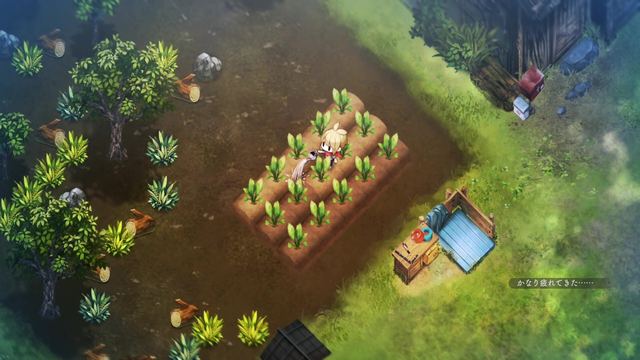
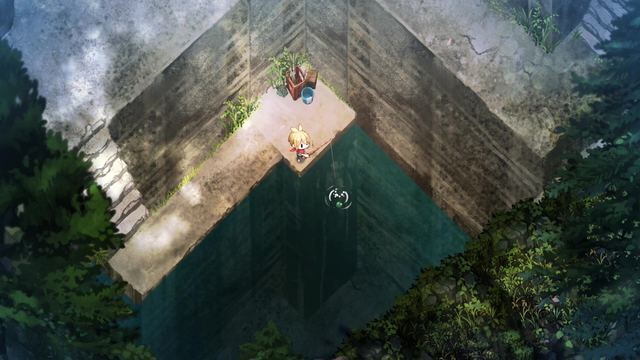
- Drop shadow quality before resolution; the painted art style hides soft shadows well.
- Close the browser if you are on 8 GB — the game holds a lot of village in memory.
- Verify Steam files if a specific building or animal fails to load.
- Do not disable vsync on a laptop; the game is not twitch-sensitive and screen tearing is the only reward.
Steam Deck
Valve rates the game Verified, and the individual checks are the useful part:
| Check | Result |
|---|---|
| Default controller configuration | Fully functional |
| Controller glyphs | Match the Deck device |
| Interface text | Legible |
| Default configuration performance | Performant |
That is the strongest rating Valve gives. On Deck, leave the default configuration alone; the glyphs and text are already tuned for the screen.
Settings that change how it looks
- Volume channels are separate, so you can keep music up and effects down.
- Language is not a settings-menu item; it is per save file. See controls.
- Text speed is worth raising — the dialogue is the story.
When it is not performance at all
A stutter that happens once, at a specific story moment, is usually a load, not a frame drop. A crash that repeats at the same action is worth reporting. Everything in between is a setting.
Next
- Known issues — what is a bug and what is not.
- Platforms — Deck, cloud saves and consoles.
- Game facts — full spec table.